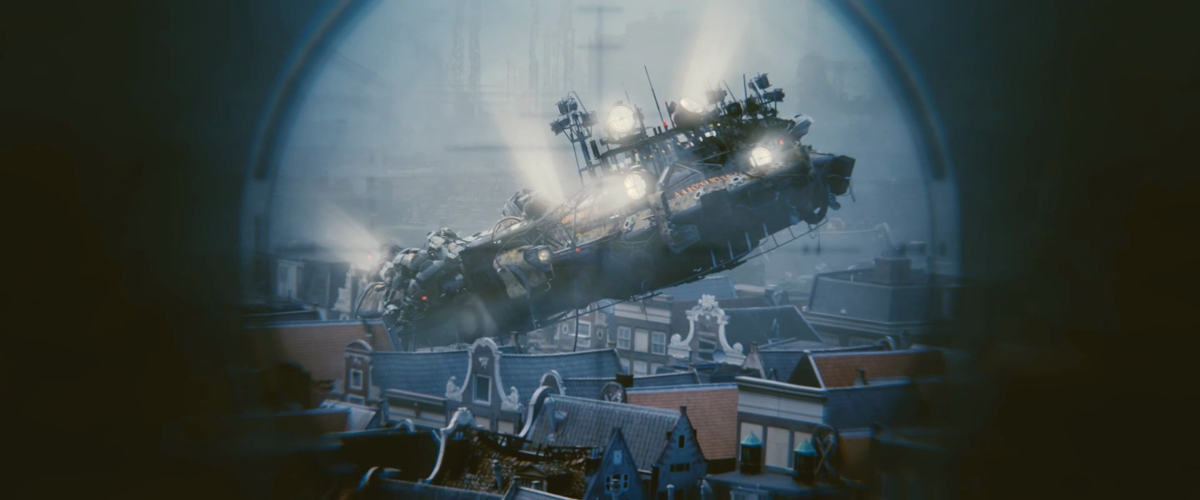
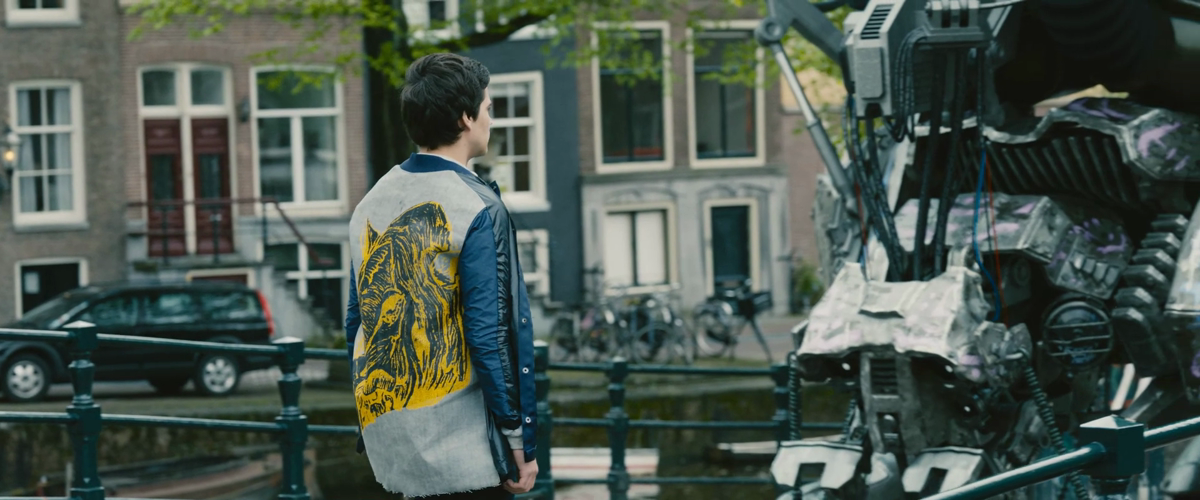
Watch the edit come together.
Playback across video and audio tracks in ava-edit’s Edit workspace.
The agent-native video editor
Interviews, films, social clips, explainers. Turn your footage into finished edits with AI that understands the material and works the timeline.
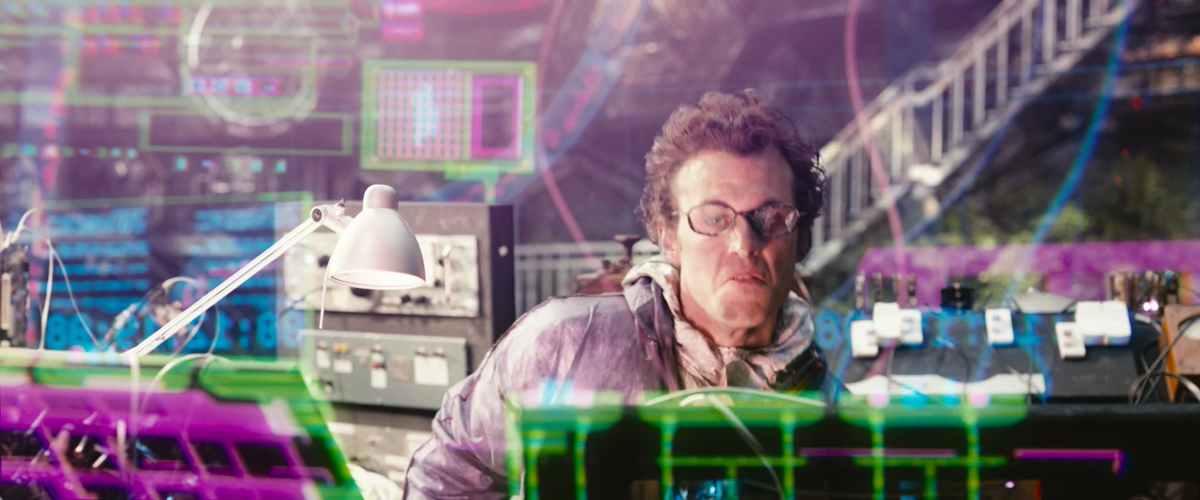
A scientist surrounded by colorful holograms
Six moments.
One story taking shape.
Let ava take the lead, or create side by side.
Meet your editing partnerBring the footage and the idea. ava can find the moments, build the cut, add the finishing touches, and adapt it for another format. You decide where to jump in.
Search transcripts and visual analysis. Compare takes. Find the line, the pause, or the shot that makes the scene.
Delegate the edit from your brief, or shape it with your AI on the same timeline. Go hands-on whenever you want.
Give ava a brief. Watch it build a complete 30-second story from interview selects, NASA visualizations, and titles, all on your timeline.
From an empty sequence to a complete cut, with every edit yours to refine.
Explore the edit
Your agent. Your workflow.
Claude CodeCodexAny MCP clientConnect through MCP or the CLIA multi-track edit in motion. Dedicated spaces for story, color, and sound. Explore the tools behind the AI.
Playback across video and audio tracks in ava-edit’s Edit workspace.
Move between Story, Color, Audio, and Review.
A complete video editor for both of you. Let ava work across the project, take the controls yourself, or move between the two as the idea develops.
A multi-track timeline with source and program monitors, captions, transitions, and your agent beside you.
01 / 05Camera footage, screen recordings, animation, generated visuals, music, and voice-over. Bring them together in one edit, then take it in a new direction.
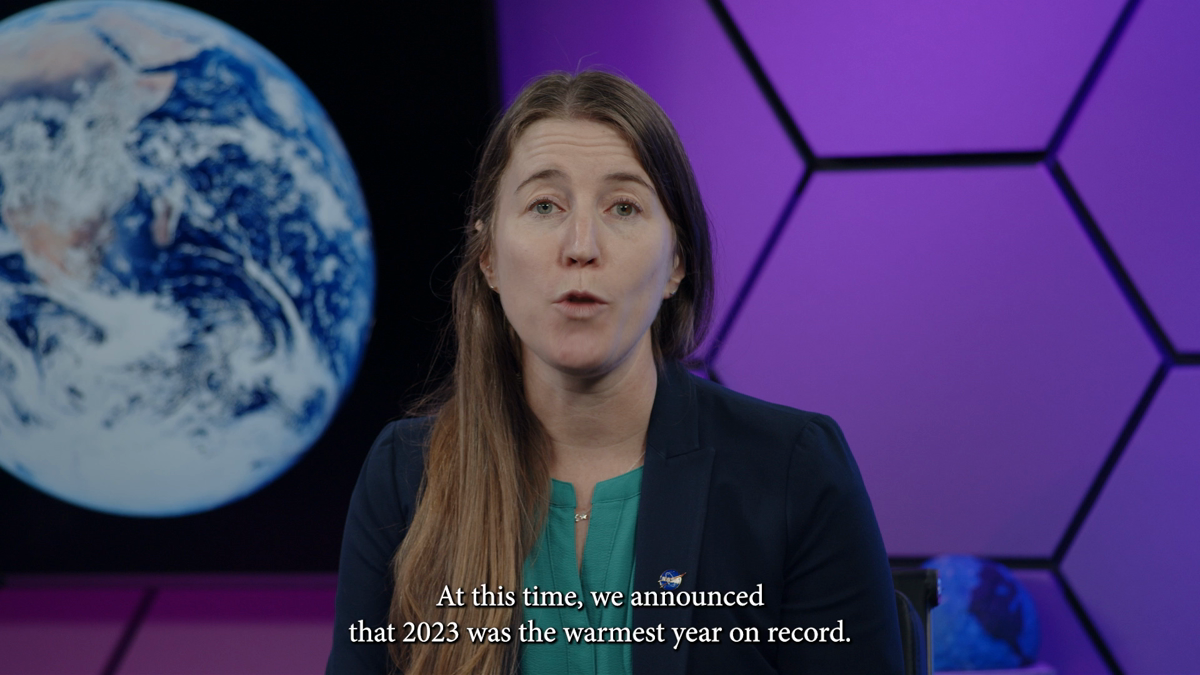
Work from transcripts, compare takes, tighten pauses, balance voices, and add captions.
ava uses transcripts, scene detection, and visual analysis to understand what it is editing. Ask your AI to find the strongest interview answer, compare performances, or pull a moment from a long recording.
Turn a landscape sequence into a vertical or square cut. Reframe the footage, adapt the pacing, and give every version its own timeline.
Captions, titles, transitions, audio mixing, and procedural graphics are part of the agent’s toolkit.
Give ava a goal and let it work autonomously. Cut, reframe, title, mix, and export through the same tools you use by hand.
MCP and CLI access put the editing tools in reach of the clients and workflows you already use.
Agents work with the project through structured editing tools. They can inspect footage, read transcripts, manipulate a timeline, propose edits, and verify renders. The desktop editor and the connected agent work with the same live session.
Yes. In Delegate mode, a connected AI agent can work directly on the project: assemble and trim sequences, add text, adjust audio, create new formats, and export. You set the goal. You can also collaborate through suggestions or edit by hand on the same timeline.
Yes. ava-edit has dedicated Edit, Story, Color, Audio, and Review workspaces. You can work by hand, collaborate on proposals, or delegate tasks. You choose the agent’s permission level.
ava-edit supports external Claude Code, Codex, and other MCP clients. A CLI exposes the same tool registry for scripted workflows.
The desktop editor and local transcription run on your machine. Model-backed agents, vision analysis, and generative services may use external providers according to your configuration. Local editing does not mean every AI capability runs offline.
ava-edit is in development. This product preview does not offer a public installer or sign-up service. Explore the screenshots and recordings here to see the current editor.
Made for the way you think.
Give ava the edit. Or make it together. See what you can create.